AI Workforce Playbook
May 4, 2026 · Team Supr
Build your AI workforce in minutes. This playbook walks through the exact in-app flow from deploying your first agent to running work through chat.
Step 1 - Install Supr on iOS or Android
Install Supr first, then open the app and start onboarding.
- App Store (iOS): https://apps.apple.com/us/app/supr-ai-workforce-agents/id6759046029
- Google Play (Android): https://play.google.com/store/apps/details?id=com.suprbeta.suprclaw
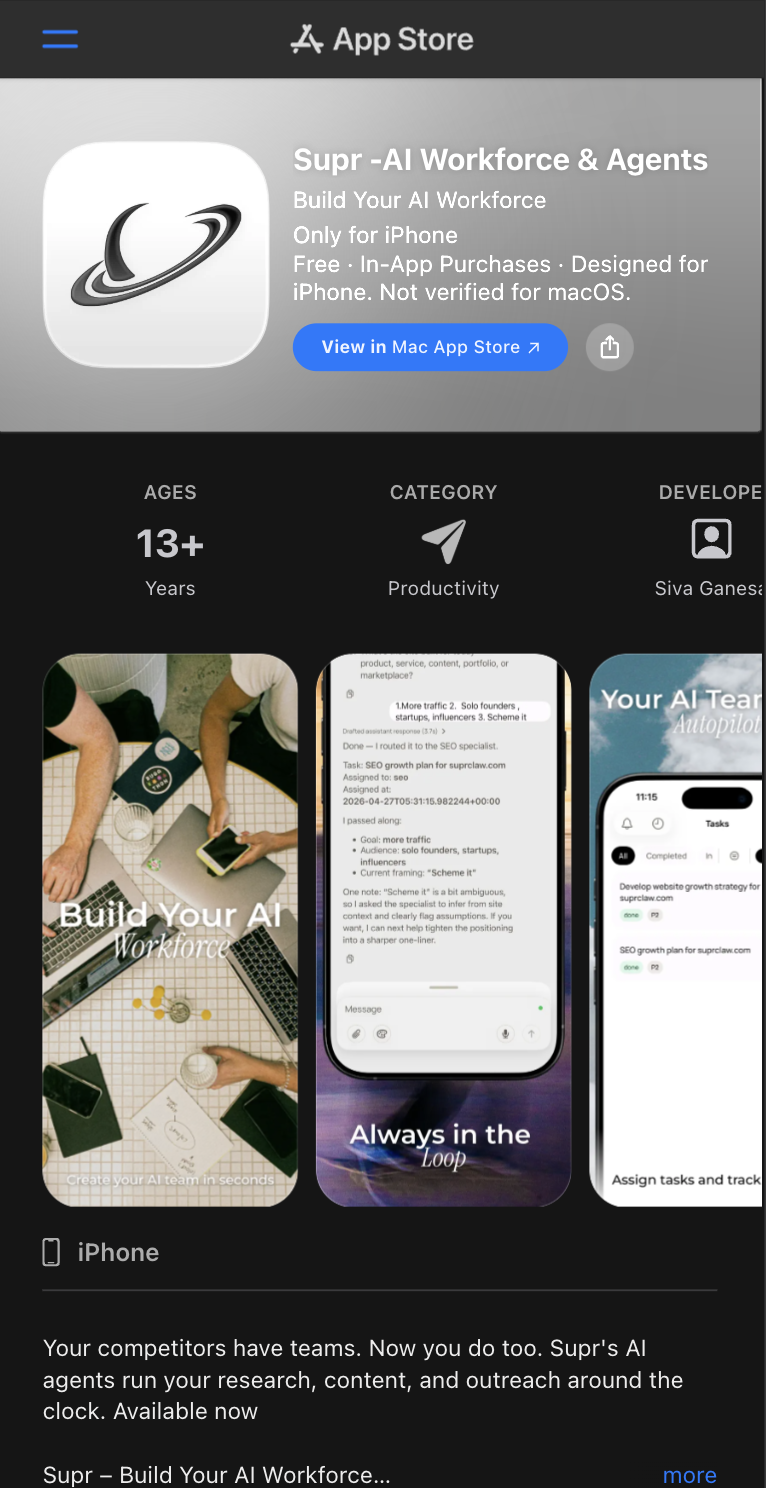
Caption: "Install Supr from the App Store or Google Play, then continue onboarding."
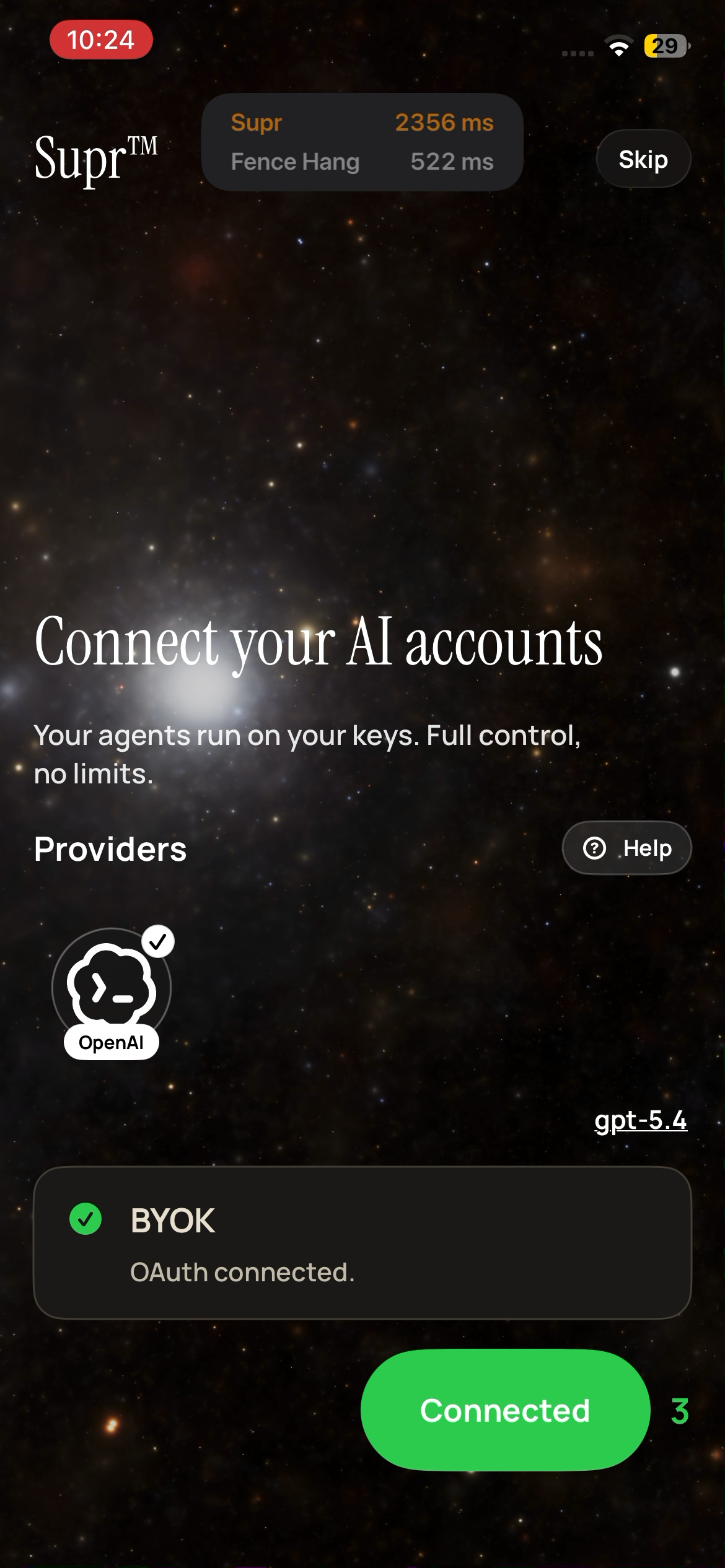
Step 2 - Connect your AI accounts (BYOK)
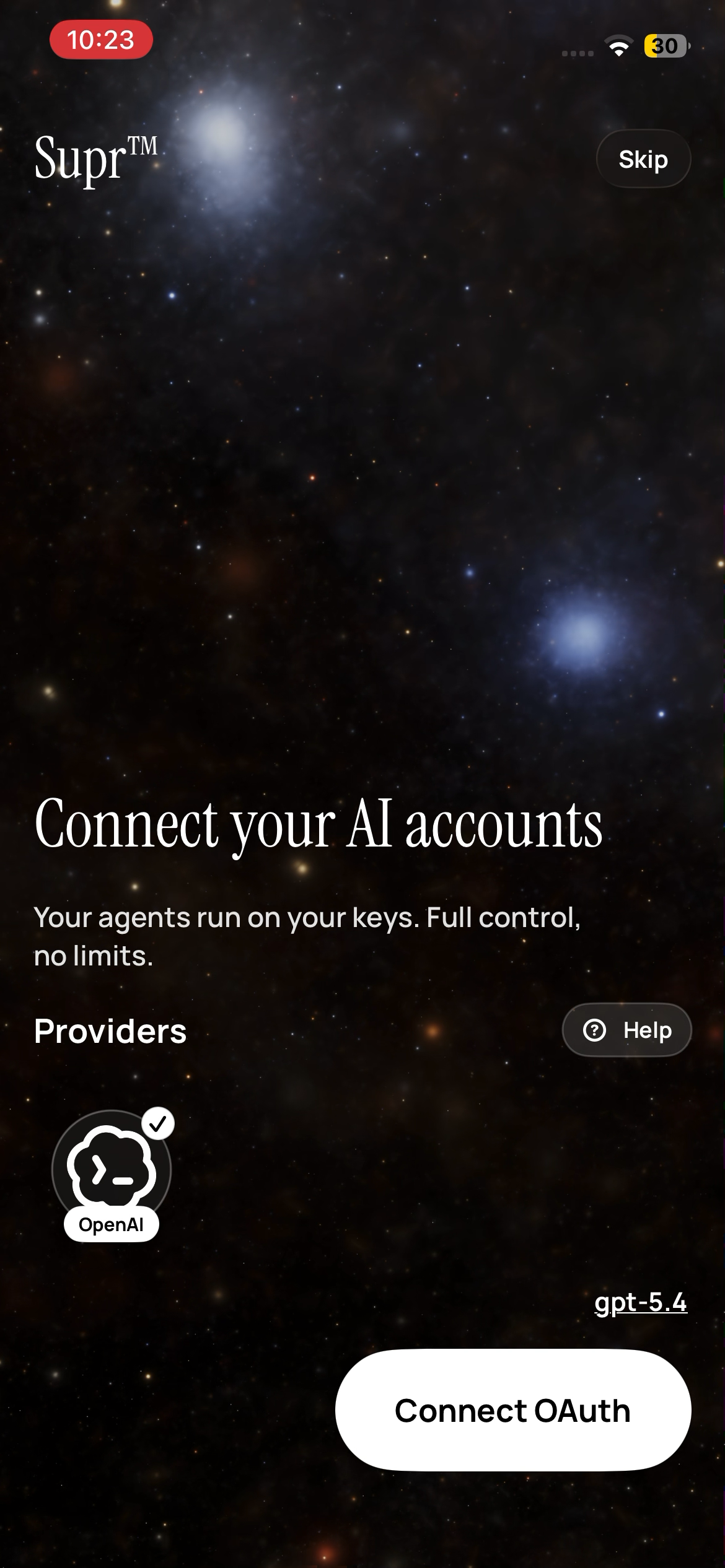
Connect your provider via OAuth and run on your own keys. Once connected, you'll see BYOK status confirmed and your model/provider ready.
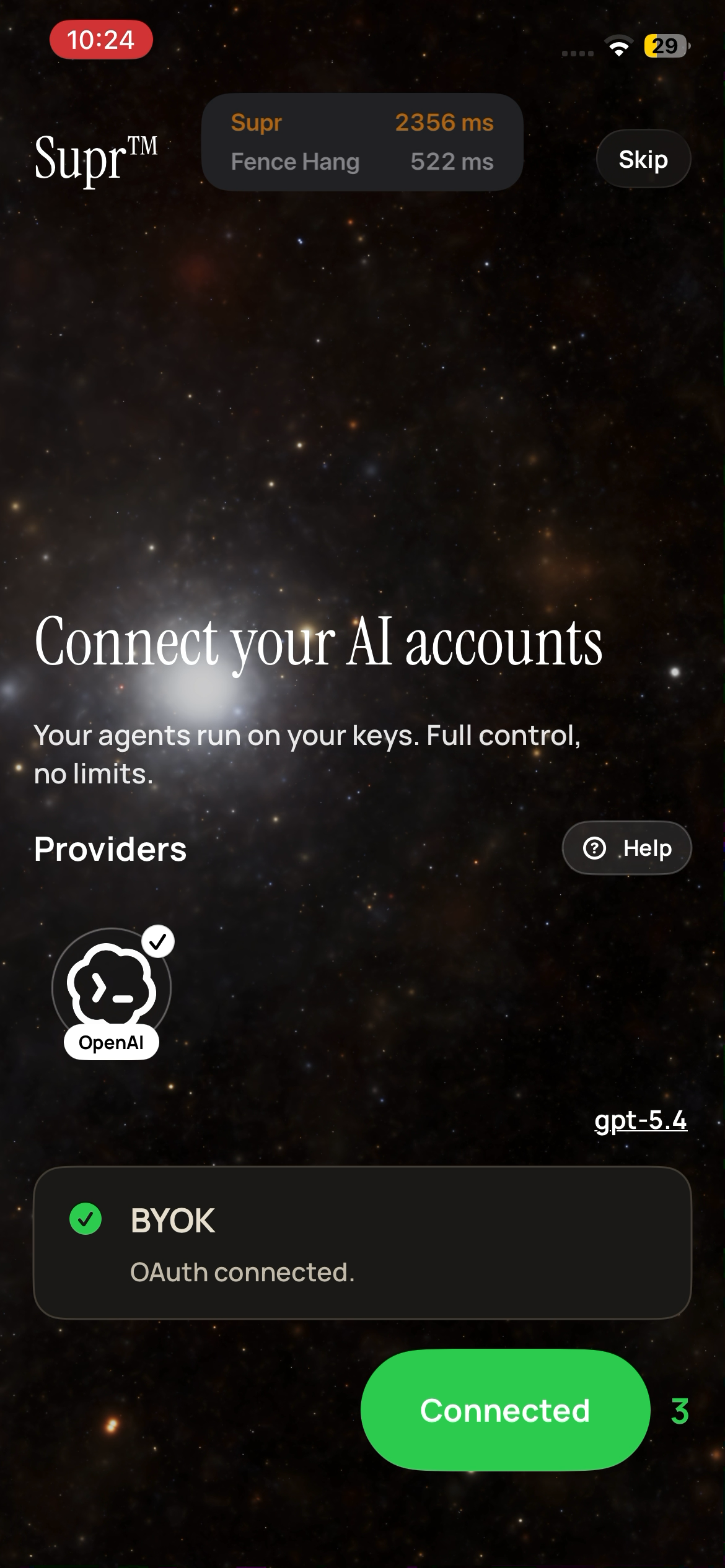
Caption: "OAuth connected. Your agents run on your keys."
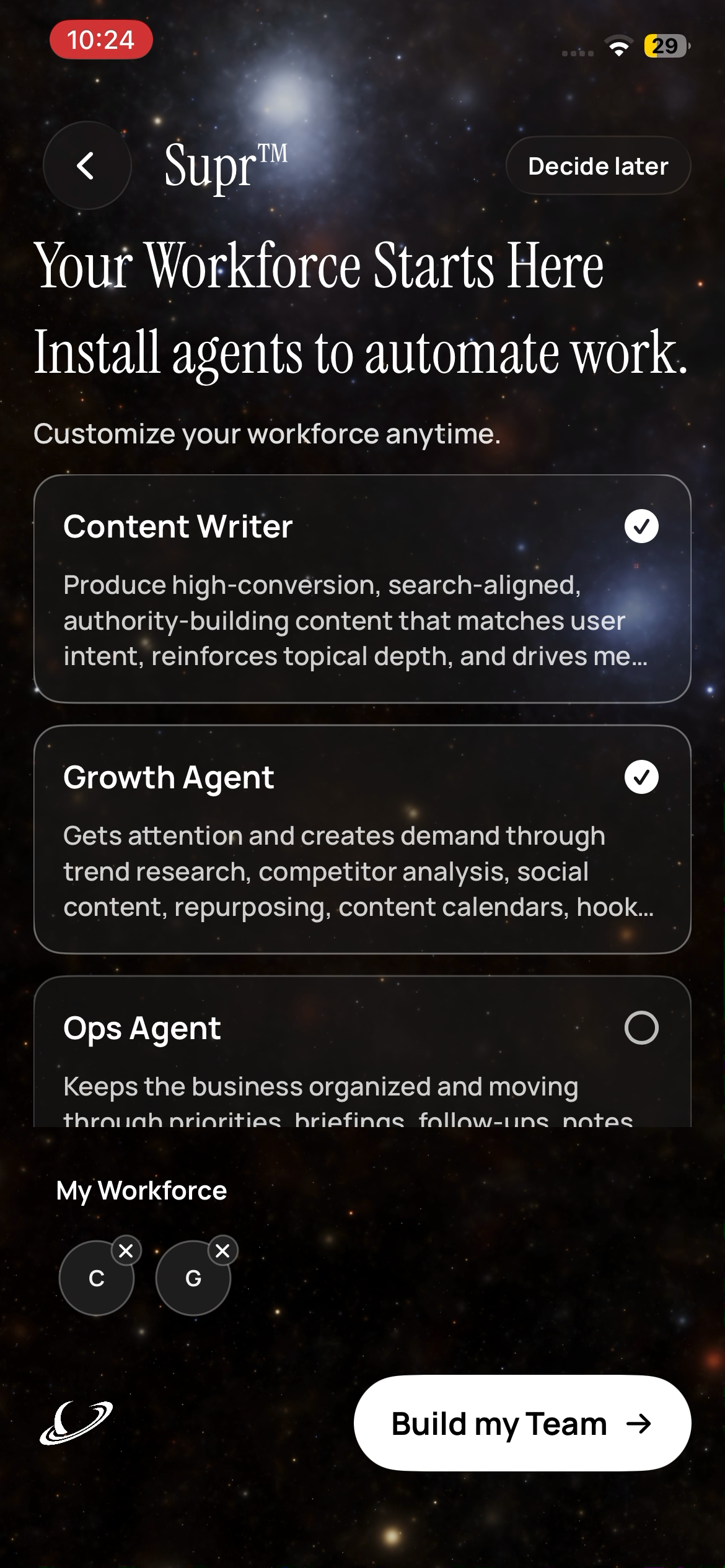
Step 3 - Select your workforce agents
Choose the agents that will execute the work (for example, Content Writer + Growth Agent), then tap Build my Team.
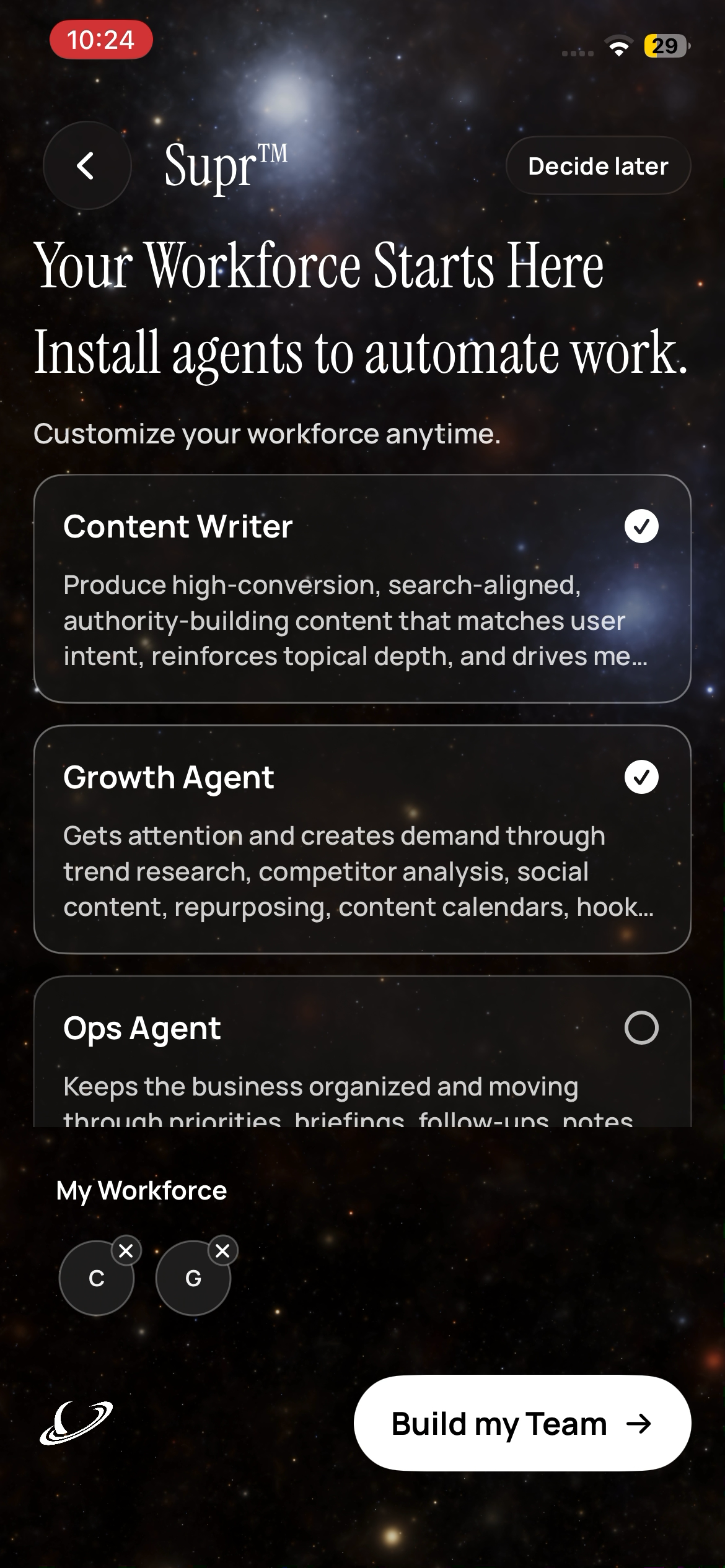
Caption: "Install agents to automate work."
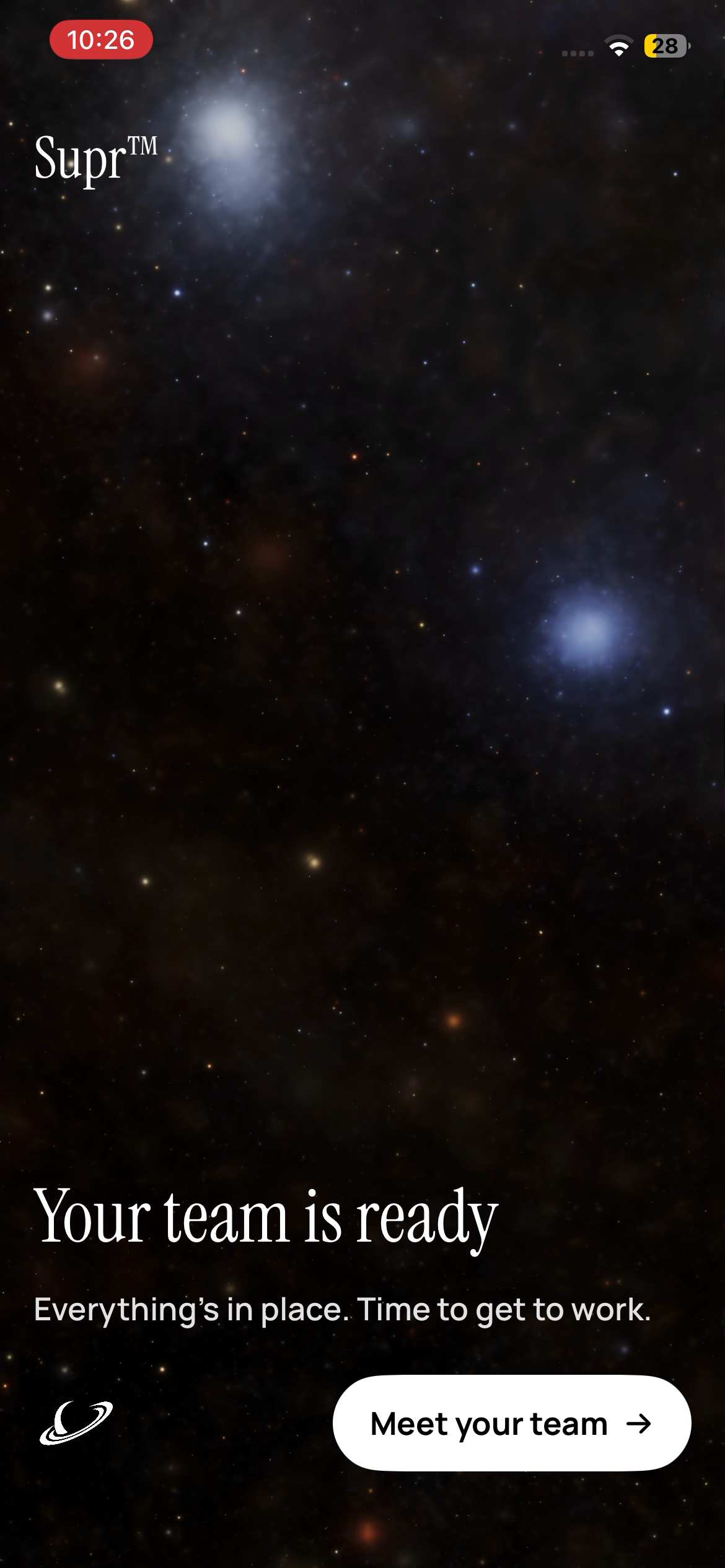
Step 4 - Meet your team
After installation completes, Supr confirms your workforce is ready. Tap Meet your team to enter your workspace.
Caption: "Everything's in place. Time to get to work."
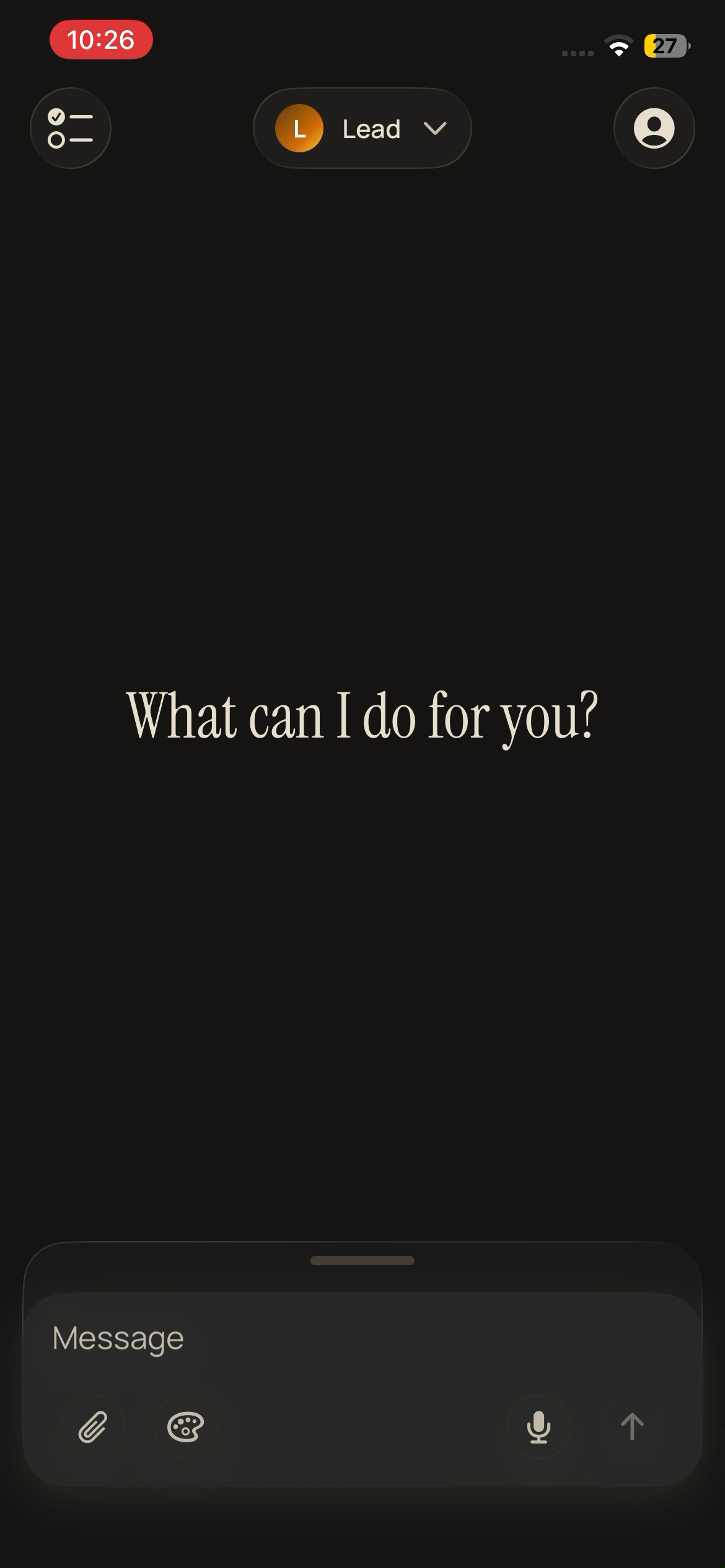
Step 5 - Start automating in chat
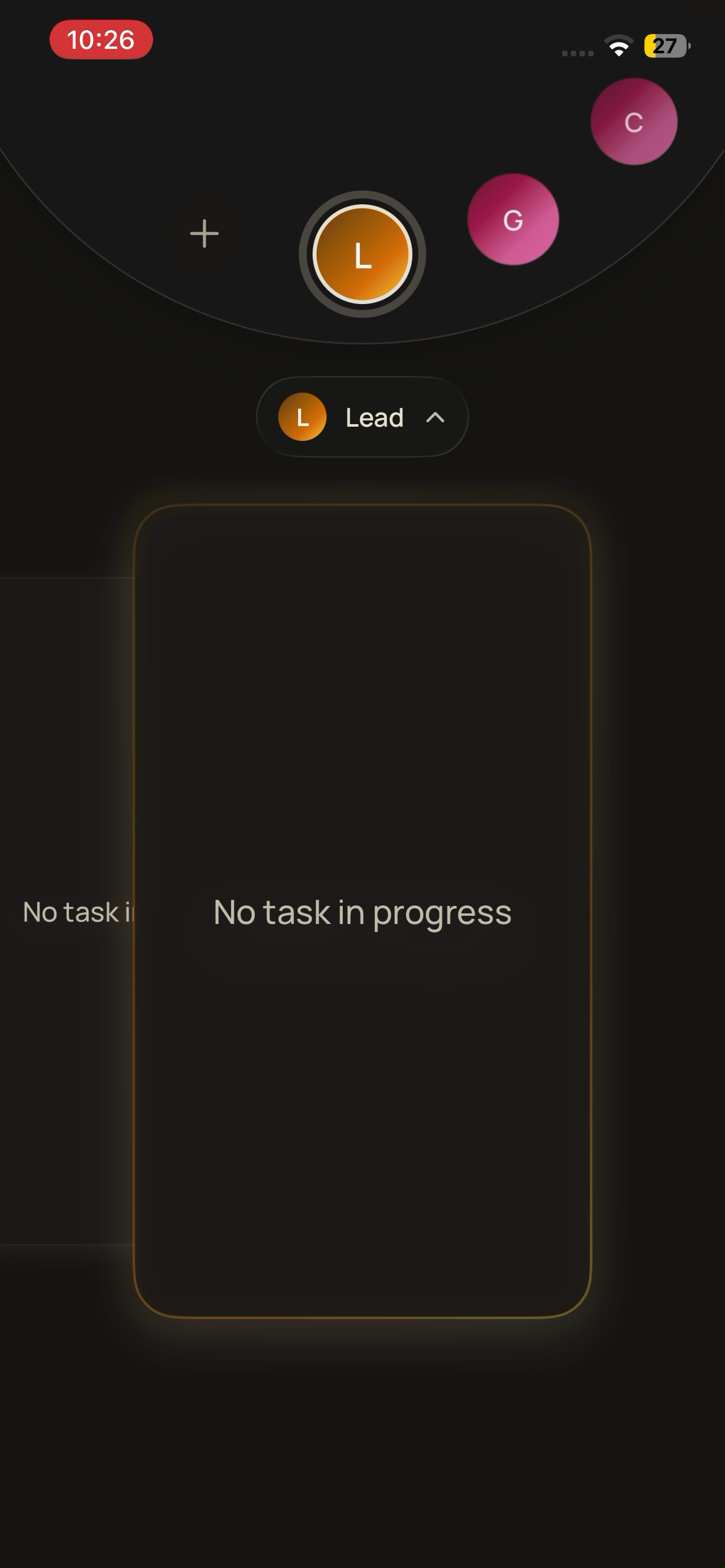
Open chat with your Lead and give one clear mission. Your team coordinates execution from there.
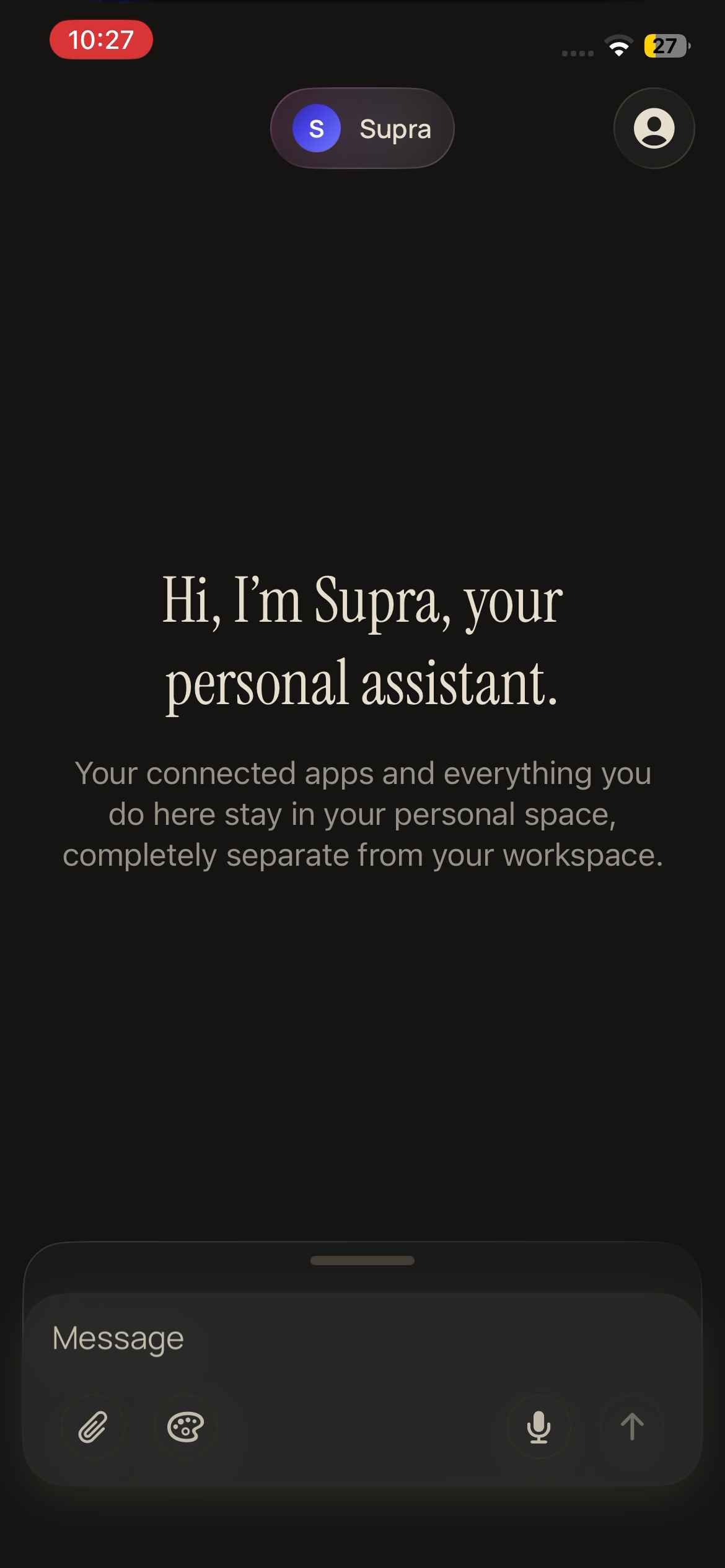
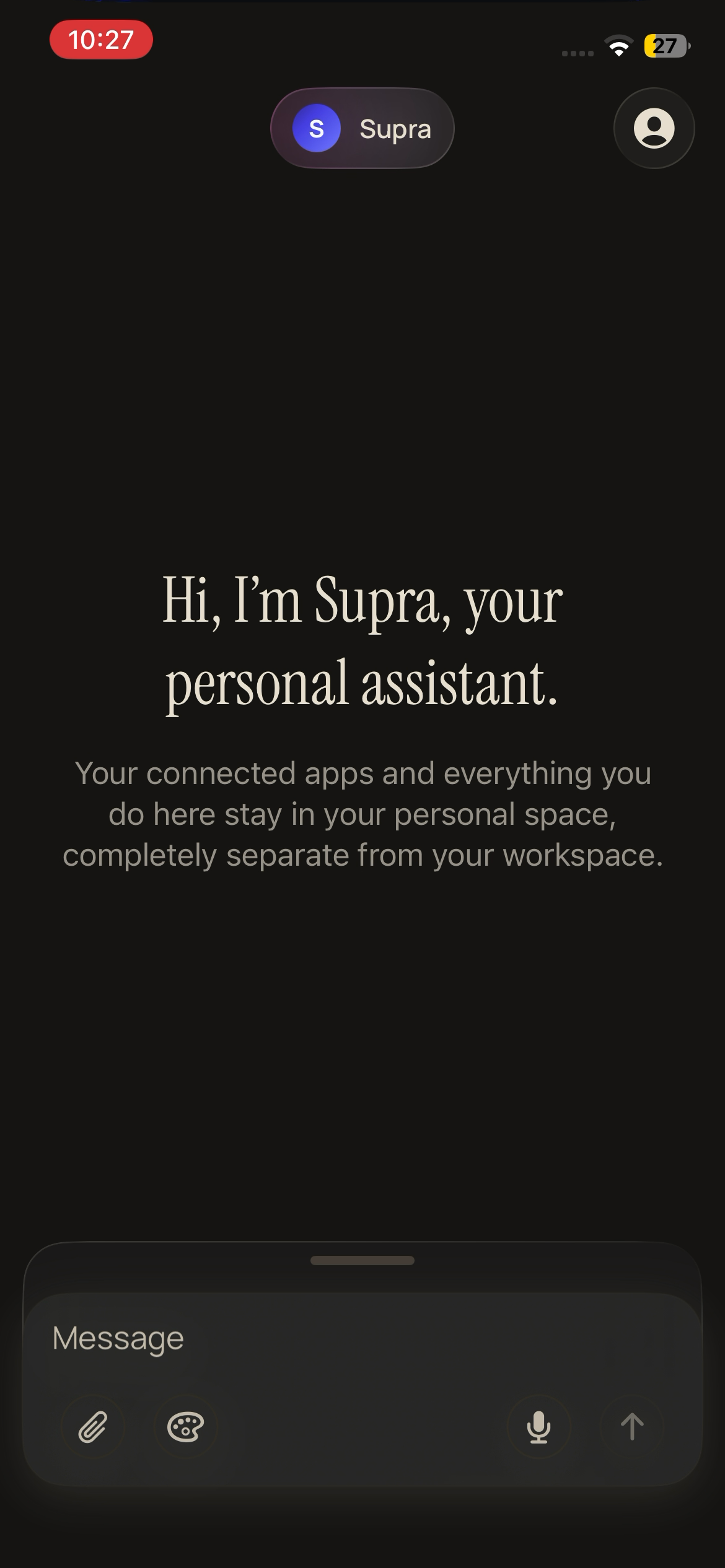
Caption: "What can I do for you?" / "Hi, I'm Supra..."
Start with one workflow, measure the output, and then expand your workforce with additional specialists.
Full walkthrough screenshots
- Welcome
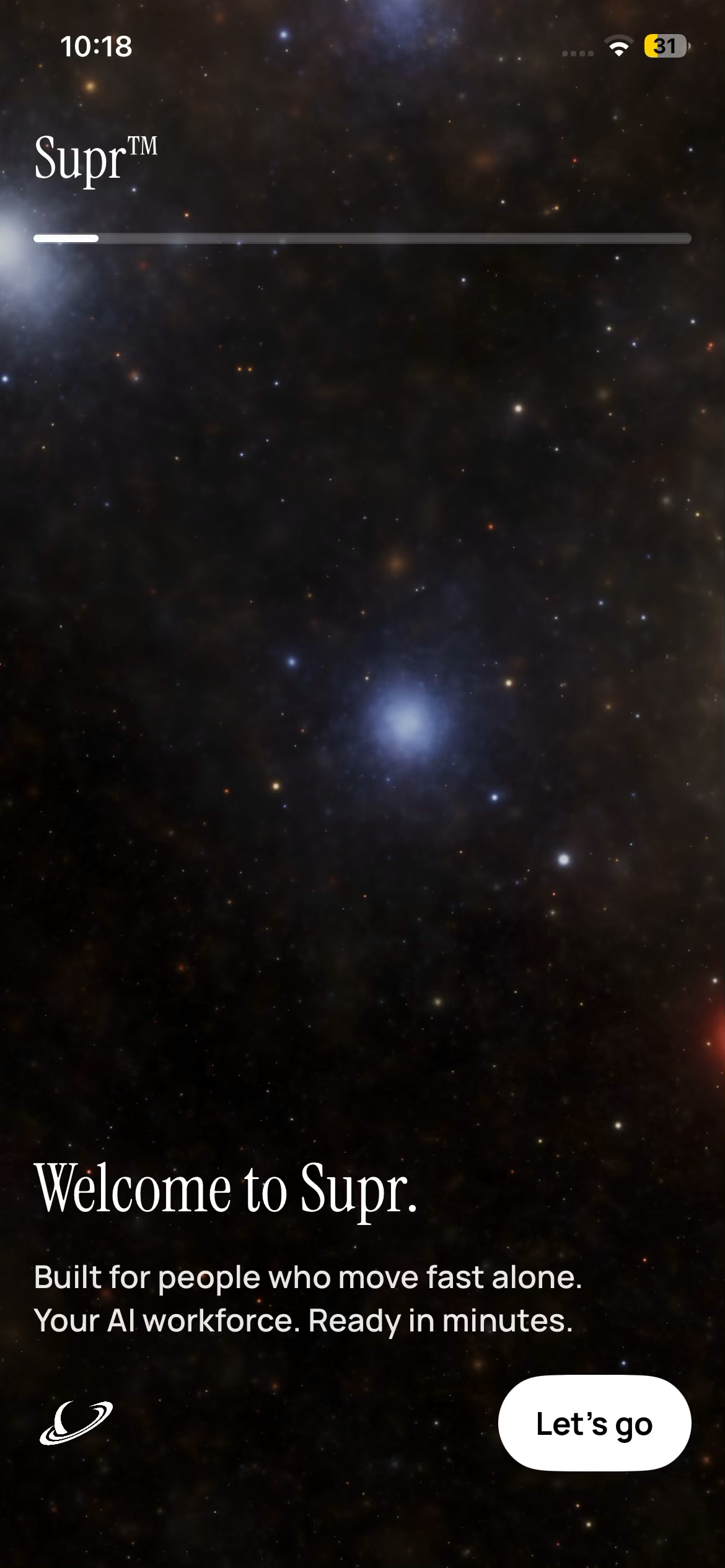
- Sign in options
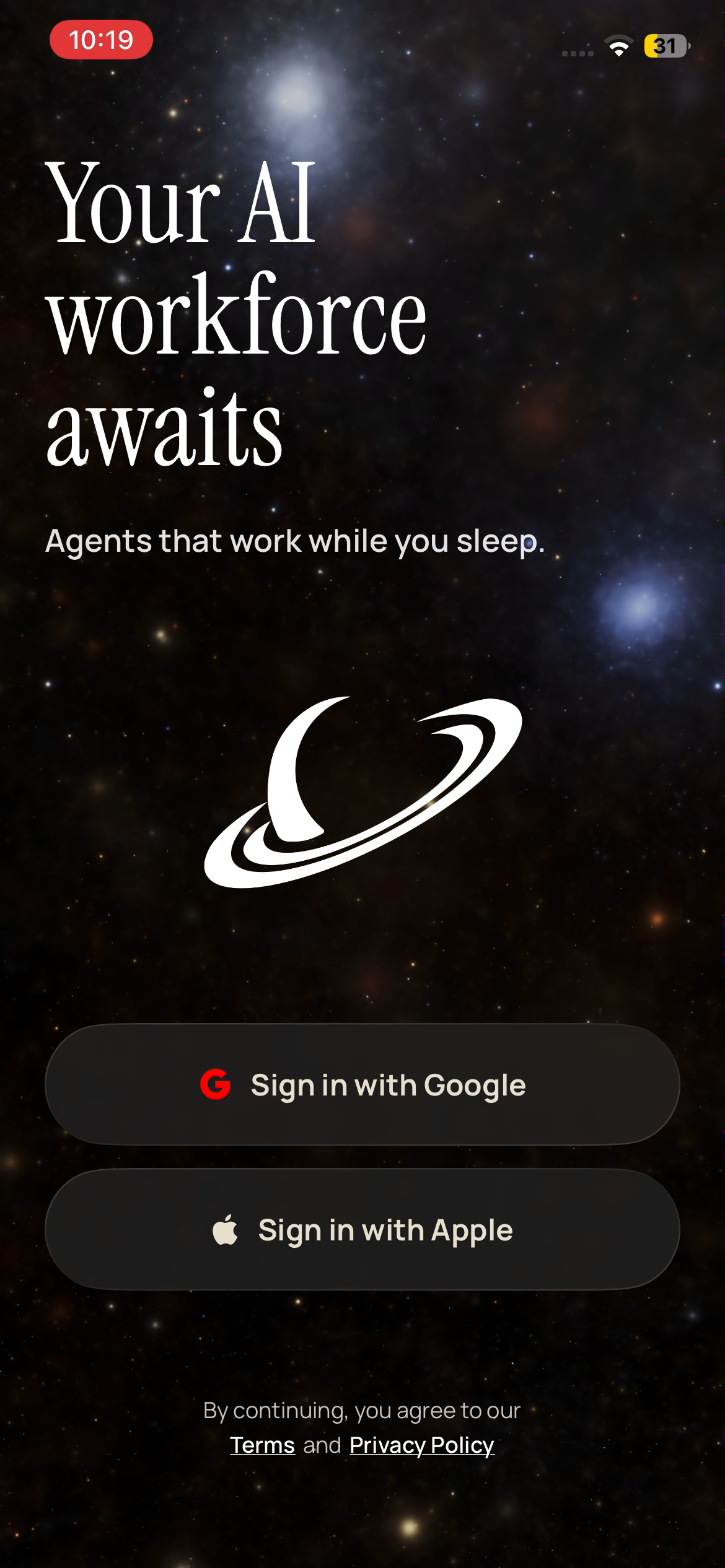
- Agent coming online
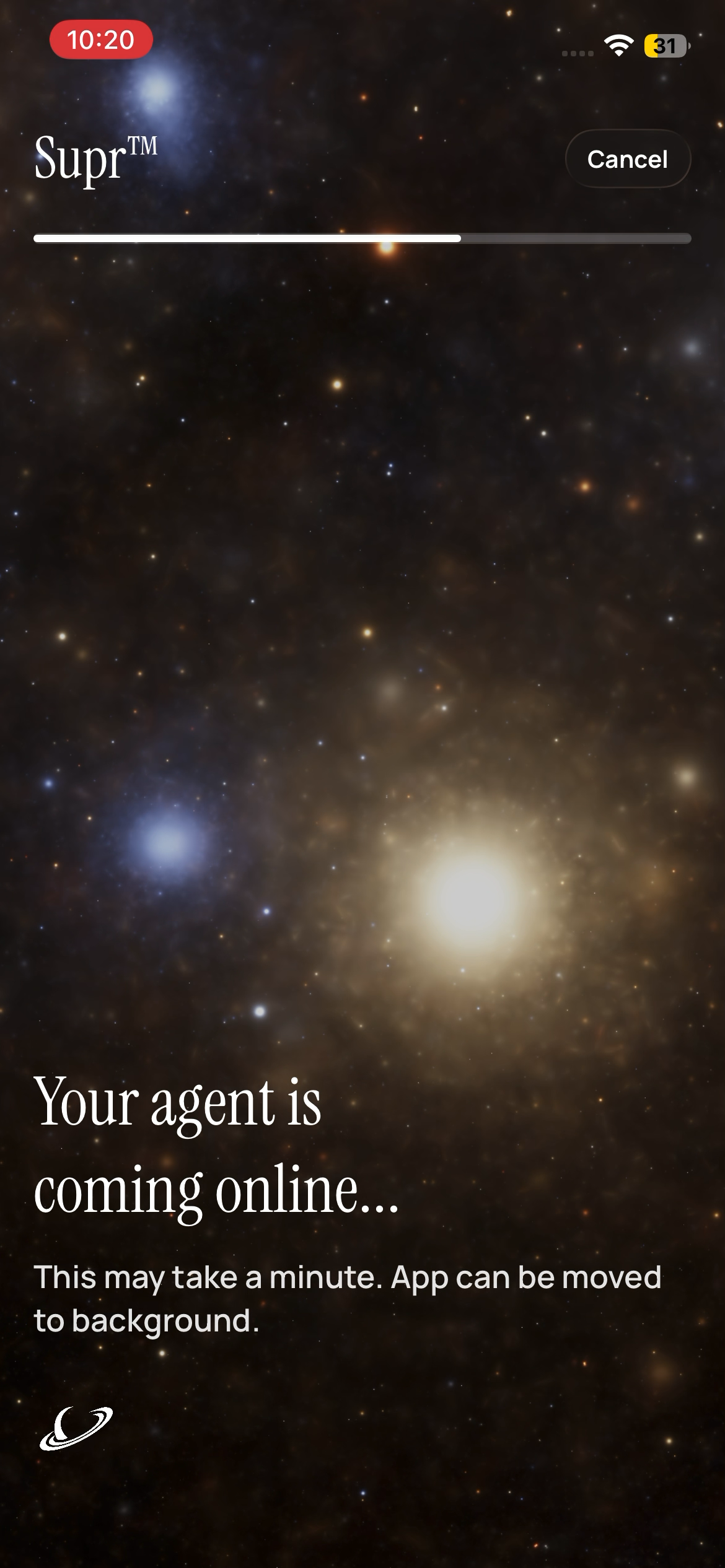
- Connect AI accounts
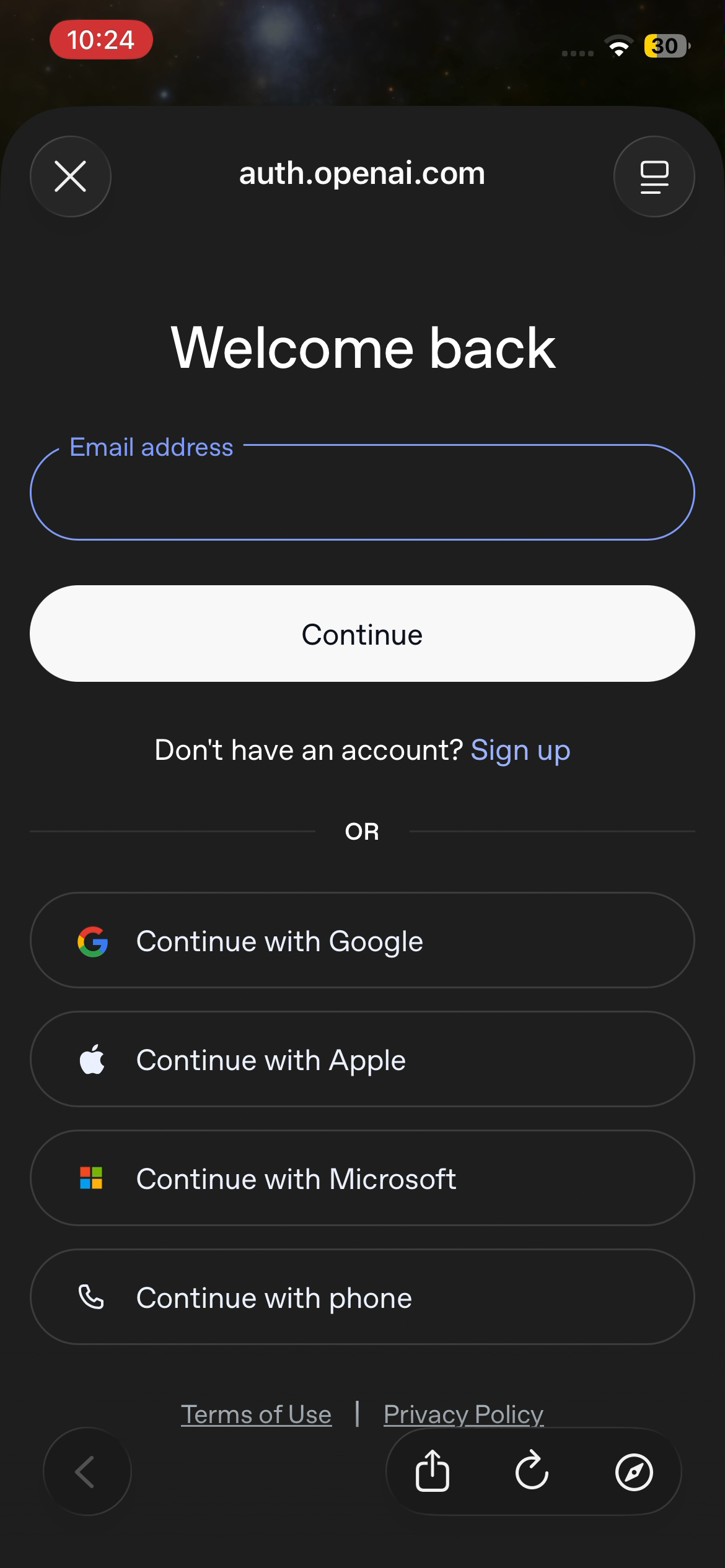
- OAuth provider login
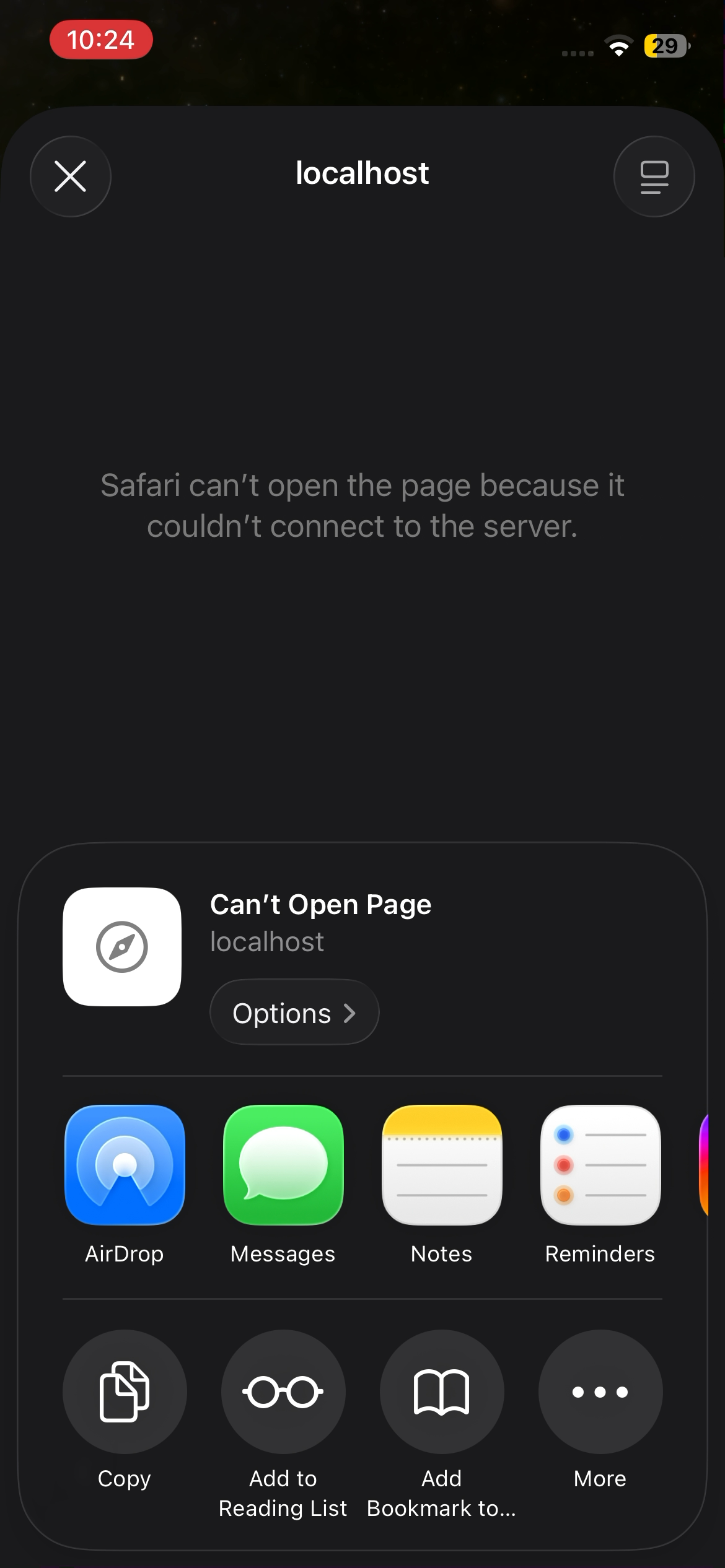
- Localhost callback issue screen
- Paste permission prompt
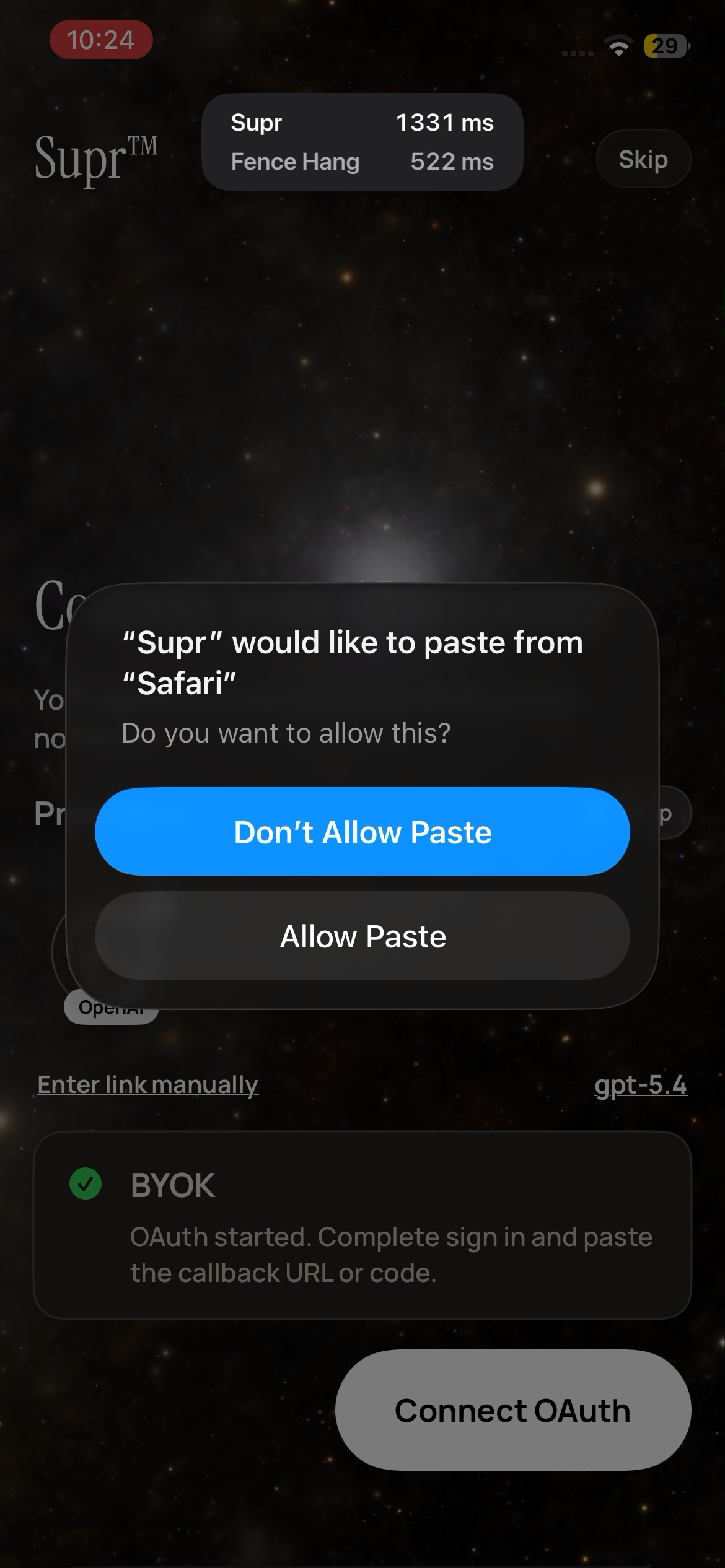
- BYOK connected
- Select workforce agents
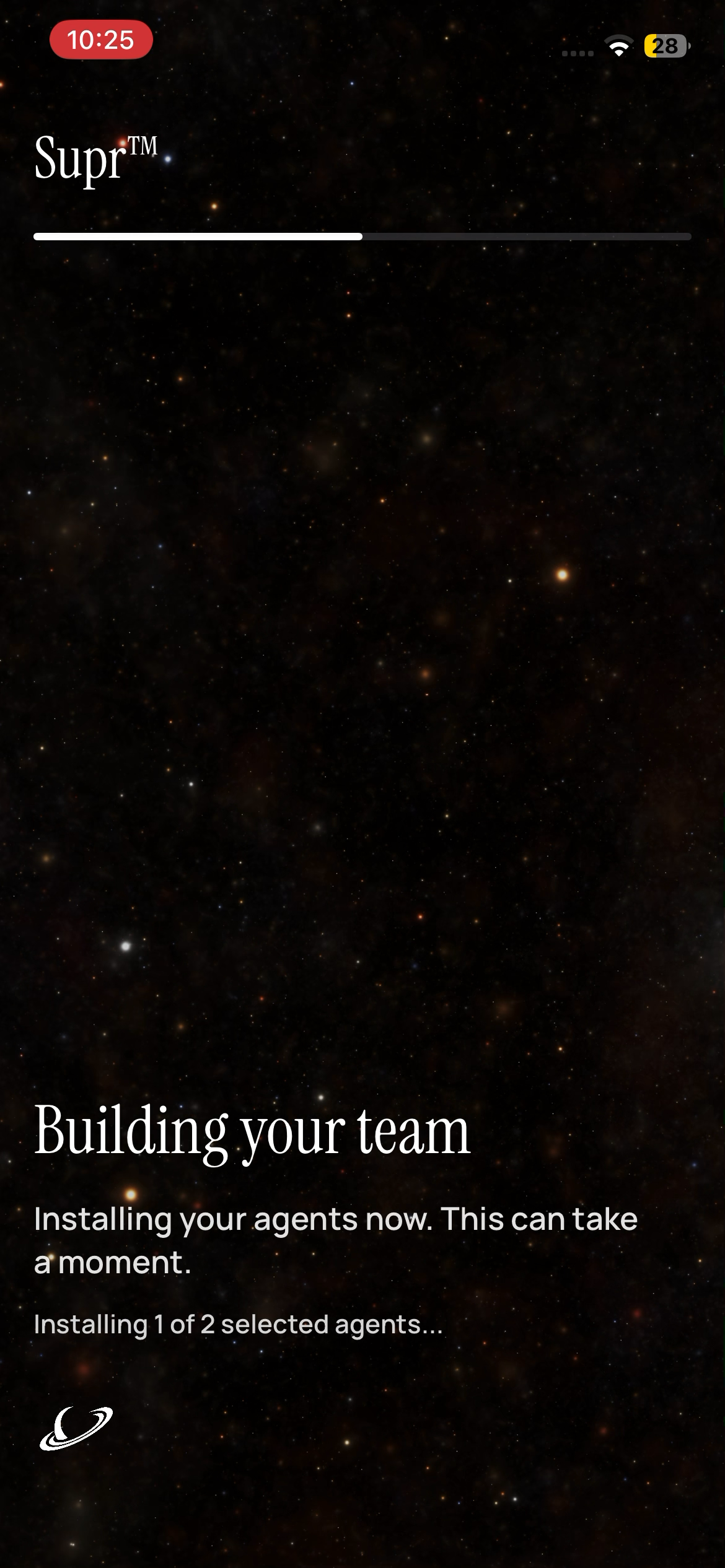
- Building team progress
- Team ready
- Chat start screen
- Team panel
- Supra intro in chat
Support: hello@suprclaw.com